English
 Arabic
 French
 Spanish
 Portuguese
 Deutsch
 Turkish
 Dutch
Dutch
 Italiano
 Russian
 Romaian
 Portuguese (Brazil)
 Greek
Greek

Buy Google Workspace Setup in USA 2026 ? Fast & Reliable
Crafts |
2026-10-02 10:43:02
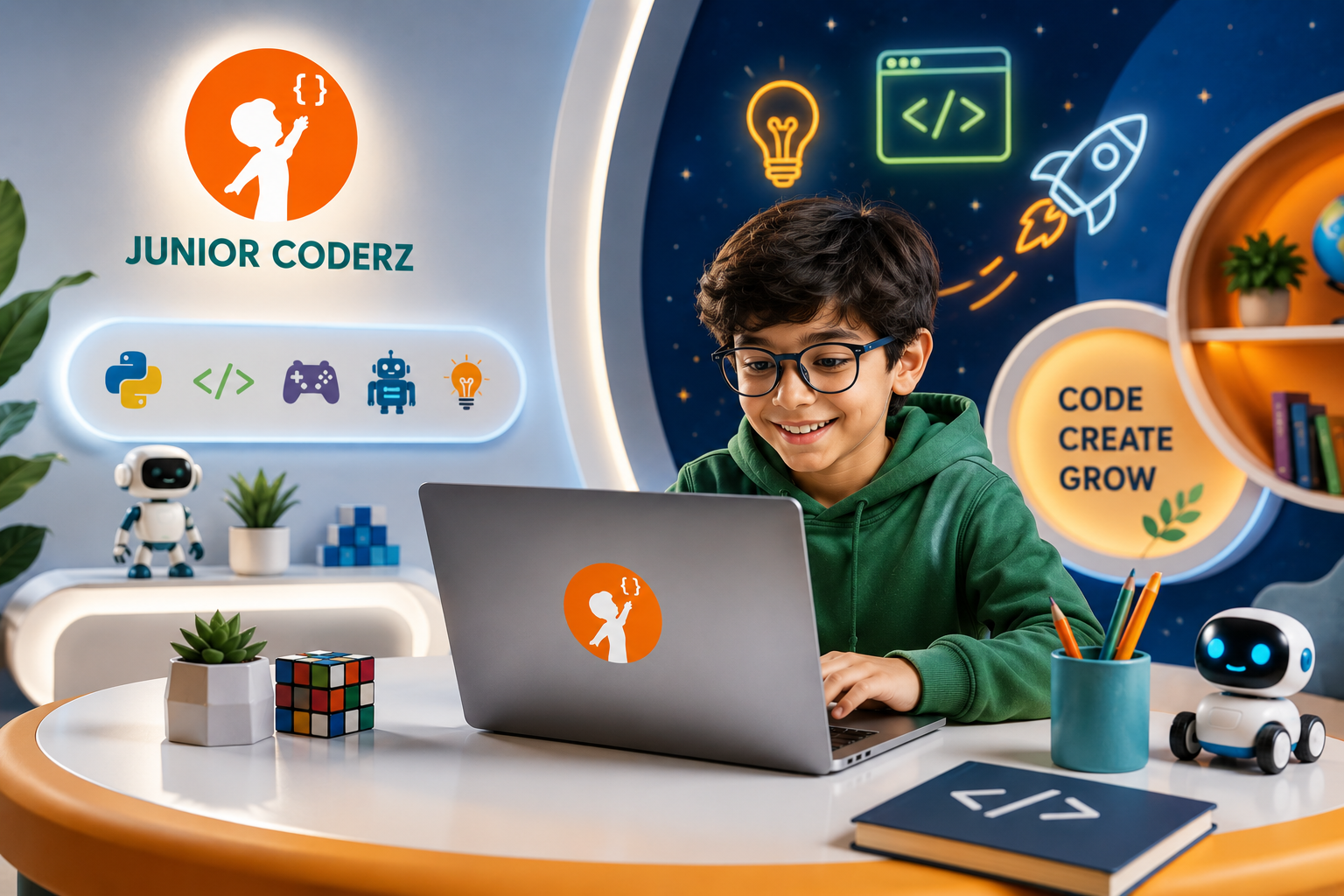
Children are growing up in a world where technology influences education, communication, entertainment, and everyday activities. From mobile applications and video games to websites and artificial intelligence, digital tools are becoming an increasingly important part of modern life. Learning how these technologies work can help children become more confident and creative technology users.
Developing coding skills for kids is one way to introduce children to programming, logical thinking, and digital creation. Through practical activities, young learners can discover how instructions control computers, how games are developed, and how software can solve everyday problems.
Junior Coderz offers online coding and STEM programs for children and teenagers, with learning opportunities covering Scratch, Python, game development, web development, app development, robotics, electronics, 3D modeling, and artificial intelligence. Its curriculum gives students opportunities to explore different technology areas as they progress through age-appropriate learning pathways.
Coding teaches children more than how to write instructions for a computer. It provides a practical environment where they can experiment, analyze problems, test ideas, and improve their work.
These experiences can support several useful learning skills.
Programming requires instructions to follow a meaningful order. Children learn that computers need clear directions and that changing the order of instructions can change the outcome.
Concepts such as sequences, loops, conditions, and algorithms help young learners understand how individual steps contribute to a larger task.
For example, a student creating a simple game must decide when a character moves, what happens when it reaches an obstacle, and how the player earns points.
Coding projects often involve challenges that need to be divided into smaller tasks. A student might need to identify why a game character is not moving correctly or why a website button does not perform the expected action.
By examining the instructions, testing possible solutions, and making adjustments, children practice structured problem-solving.
Programming allows children to turn original ideas into interactive projects. They can build games, create animations, design websites, develop applications, and experiment with digital models.
This makes coding a combination of technical learning and creative expression.
Programs do not always work as intended on the first attempt. Debugging helps children learn to investigate mistakes rather than assume a task is impossible.
Students also discover that small details can affect the result. Reviewing code carefully and testing changes can help them develop a more thoughtful approach to completing projects.
Creating a working project gives children an opportunity to see what they can accomplish with technology.
As they gain experience, they may become more comfortable experimenting with unfamiliar tools and exploring new areas of digital learning.
A comprehensive coding education can introduce children to several connected technology disciplines. Rather than focusing on one language alone, students can explore programming, design, software development, and emerging technologies.
Junior Coderz highlights several skill areas across its programs, including the following.
Scratch is a visual programming platform that uses blocks instead of requiring children to type every programming command. This approach can make it easier for beginners to understand coding concepts before moving to text-based languages.
Children can use Scratch to create:
While creating these projects, students can learn about sequences, events, loops, motion, and conditions.
For example, a learner could create an animated story in which a character responds to different choices. The student would need to organize the instructions, select suitable events, and test whether each interaction works correctly.
Junior Coderz includes Scratch and block-based coding in its learning pathways for younger students, including Tiny Techies for ages 6–7.
Python introduces students to text-based programming and provides opportunities to work with more detailed instructions and programming structures.
As learners progress, they can explore concepts such as:
Python can be used to build calculators, quizzes, simple games, and other interactive applications. These projects help children connect programming concepts with practical outcomes.
Students can also use Python as a starting point for exploring automation, data-related tasks, and some artificial intelligence applications.
Junior Coderz offers Python-focused learning options, including Python Pioneers and Python Hybrid, alongside programs that introduce Python with other technology subjects.
Game development can help children understand programming by giving them an interactive project to work toward.
Students explore how code controls characters, game rules, scoring, levels, and player interactions. They may also consider how the game's design affects the experience of someone playing it.
A beginner project might involve moving a character through a maze. More advanced work could include multiple levels, obstacles, scoring systems, or custom game mechanics.
Game development combines several useful activities:
Junior Coderz includes game development in several programs, combining it with programming and other technology subjects depending on the course.
Web development introduces children to the process of creating websites. Students can begin with simple pages and gradually explore how content, appearance, and interactive features work together.
Three common web technologies are:
HTML: Organizes the content and structure of a webpage.
CSS: Controls the visual presentation, including layouts, colors, and text styling.
JavaScript: Adds interactive behavior, such as responding to clicks or updating page content.
A student might start by designing a page about a favorite hobby. Later, they could add navigation, interactive buttons, or other features.
Learning web development can also introduce ideas about accessibility, page organization, and user experience.
Junior Coderz includes web development in selected programs, with HTML, CSS, and JavaScript featured in its broader learning pathways.
Applications help people perform tasks, access information, and interact with digital services. Learning app development allows children to explore how software can be organized around a particular purpose.
Students may learn to think about:
A beginner might plan a simple study organizer or quiz application. The project can help them understand the relationship between an idea, its interface, and its functionality.
App development also encourages students to consider the needs of other people when designing a digital product.
Junior Coderz includes app development in several of its course pathways, including Junior Inventors, Code Champions, and Python Hybrid.
Robotics connects programming with machines and physical systems. Electronics introduces students to circuits and components that can be used in technological projects.
Together, these areas help learners explore how instructions can influence the behavior of a system.
Depending on the learning activity, students might investigate movement, sensors, sequences of actions, or simple automation concepts.
Robotics projects can encourage children to plan carefully because the system must follow the intended instructions to complete a task.
Electronics can also introduce practical questions about how components connect and how a system responds to different inputs.
Junior Coderz includes electronics and virtual robotics in selected programs, giving students opportunities to explore these topics alongside coding and other STEM skills.
Coding is closely connected to other forms of digital creation. Three-dimensional modeling allows children to design objects and explore how shapes, dimensions, and structures fit together.
Students may create simple objects, modify existing designs, or explore models used in digital environments and games.
These activities can encourage spatial thinking, planning, and attention to detail.
For example, a student interested in game development might design a 3D object to use in a virtual environment. Another learner may prefer experimenting with product shapes or architectural concepts.
Junior Coderz includes 3D modeling in selected courses, combining digital design with other technology subjects depending on the learning pathway.
Artificial intelligence is another area children can explore as their technology knowledge develops.
Age-appropriate AI education can introduce concepts such as machine learning, pattern recognition, generative AI, and automation. Students can begin by learning what AI systems do and how their outputs should be evaluated.
It is useful for children to understand that AI tools can make errors and that generated information should not automatically be treated as correct.
Projects can provide a practical way to explore these ideas. With appropriate guidance, learners may investigate simple classification activities, experiment with AI-assisted applications, or learn how programming connects with AI tools.
Junior Coderz includes AI and machine learning topics in selected programs. Its AI Hybrid course also covers generative AI, prompt engineering, Python, automation, and app and web development.
Children do not need to learn every technology at once. A gradual approach allows them to understand foundational concepts before tackling more complex programming tasks.
Younger learners can begin with basic computer skills, visual coding, sequences, and simple interactive projects.
At this stage, the emphasis can be on exploration and understanding how instructions produce results.
Children with foundational experience may be ready to explore more subjects, including Python, robotics, game development, 3D modeling, and introductory AI concepts.
Exposure to different areas can help them discover which topics interest them most.
Students can gradually move toward text-based programming, debugging, more complex games, websites, applications, and additional technology projects.
Some may prefer broad programs, while others may wish to focus more closely on Python.
Older learners can explore more advanced programming, web technologies, digital design, and AI-related topics.
The appropriate level depends on their existing experience, interests, and readiness for more challenging work.
Junior Coderz organizes its programs by age and learning level, with options ranging from beginner coding to advanced Python and broader technology curricula.
Learning a concept becomes more meaningful when children can apply it to something they are creating.
Projects encourage learners to test their understanding, make decisions, and identify areas that need improvement.
Examples include:
Students can also develop the habit of reviewing their work and explaining how their projects function.
A finished project does not have to be complicated to be valuable. A simple application that works as intended can provide a strong learning experience when the student understands how it was built.
Parents can support children's learning without needing to be programming experts themselves.
Consider the child's age, previous experience, and current interests. A beginner may benefit from visual coding, while an experienced student may be ready for Python or web development.
Ask children what they would like to create. Their interests can provide ideas for projects and help make practice more engaging.
Short, consistent practice sessions can help reinforce lessons. Children can revisit a project, try a small modification, or explore a concept they recently learned.
Instead of concentrating only on whether a project works, encourage children to explain what their code does and how they solved a problem.
Parents can compare course content, instructor support, teaching methods, and project work when choosing a structured coding program.
The goal is to create an environment where children can experiment, ask questions, and learn from mistakes.
Junior Coderz provides online coding and technology programs for children and teenagers at different learning levels. Its skills curriculum includes Scratch coding, Python, game development, web development, app development, electronics, virtual robotics, 3D modeling, and artificial intelligence.
This range gives learners opportunities to explore multiple subjects rather than limiting their experience to a single programming language.
Younger students can begin with visual coding and foundational concepts, while older learners can progress toward more advanced programming and digital projects.
Parents can review the available courses and consider which learning pathway best matches their child's interests, experience, and goals.
Explore the official Junior Coderz skills page to learn more about the available technology topics and related programs.
Developing coding skills can give children practical opportunities to understand technology, express ideas, and solve problems creatively.
From Scratch and Python to game development, websites, applications, robotics, 3D modeling, and artificial intelligence, each area introduces different ways to build and experiment with digital tools.
The most effective learning journey is one that matches a child's age and current abilities while providing opportunities to practice and progress.
With suitable guidance, engaging projects, and regular experimentation, children can develop a stronger understanding of programming and discover the technology subjects they enjoy exploring.
Coding education is not simply about learning commands. It is about helping young learners think carefully, create thoughtfully, and use technology to bring their ideas to life.
Coding skills for kids are abilities related to programming, logical thinking, debugging, and creating digital projects such as games, websites, and applications.
Visual, block-based coding can be a useful starting point for beginners. As children gain experience, they can explore Python, web development, game development, and other subjects based on their interests.
Yes. Online courses can introduce Python through guided lessons and practical projects. Junior Coderz offers Python-focused learning pathways for students at different levels.
Game development provides a practical setting for exploring programming concepts such as loops, conditions, events, and user interaction. It can also combine technical learning with creative design.
Yes. Age-appropriate lessons can introduce AI and machine learning concepts through guided explanations and projects. Students should also learn to check AI-generated information and use technology responsibly.
Parents can consider the child's age, current skills, interests, course structure, instructor support, and opportunities for hands-on practice. A suitable program should provide a manageable progression from foundational concepts to more challenging work.