English
 Arabic
 French
 Spanish
 Portuguese
 Deutsch
 Turkish
 Dutch
 Italiano
 Russian
 Romaian
 Portuguese (Brazil)
 Greek

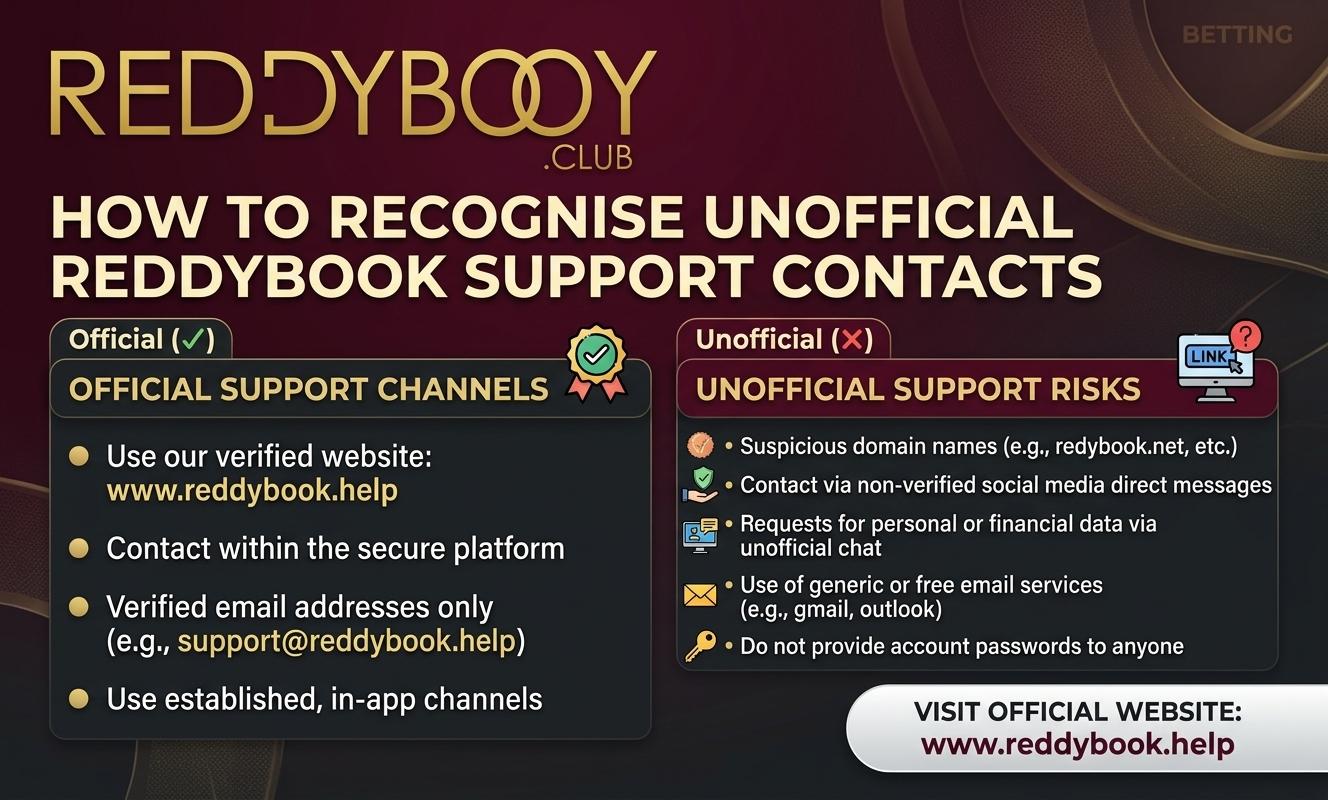
How to Recognise Unofficial ReddyBook Support Contacts
Games |
2026-11-07 12:28:55
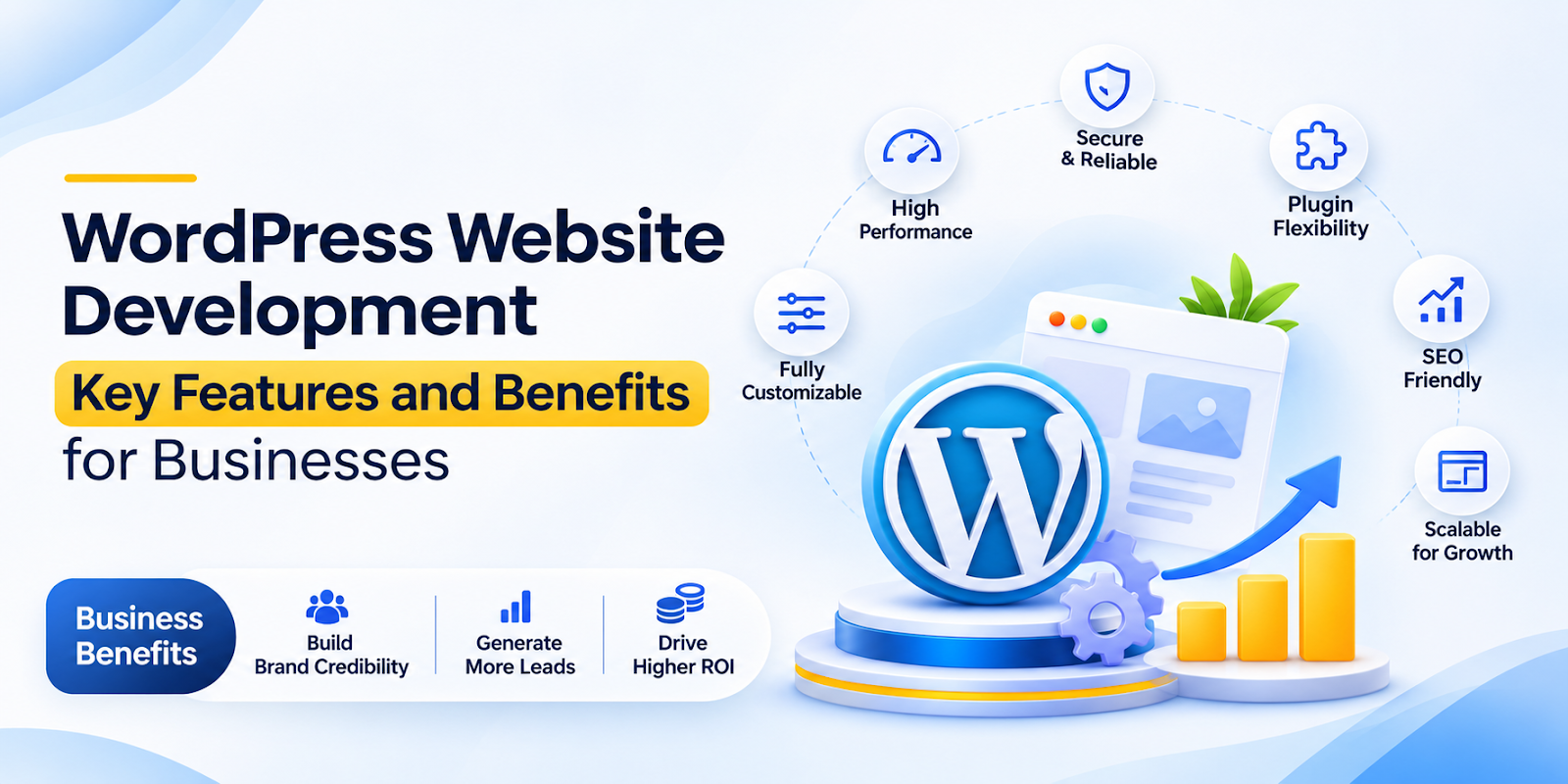
A professional website is one of the most important digital assets a business can build. It gives customers a place to learn about products or services, compare options, contact the company, and take action. For many organizations, WordPress website development offers a practical way to create a reliable, flexible, and scalable online presence without the cost and complexity associated with building a platform from scratch.
WordPress began as a blogging platform, but it has developed into a complete content management system used by businesses of all sizes. With the right planning, design, development, hosting, and maintenance, a WordPress website can support a local service company, an ecommerce brand, a professional firm, a nonprofit organization, or a growing enterprise.
This guide explains the main features and benefits of WordPress website development. It also covers the development process, important technical considerations, and the factors businesses should evaluate before choosing WordPress for their website.
WordPress website development is the process of planning, designing, building, testing, launching, and maintaining a website using the WordPress content management system. Development can involve selecting a hosting environment, configuring WordPress, creating a visual design, developing custom page layouts, connecting third-party tools, improving performance, and protecting the website from security threats.
A WordPress website can be built with a pre-designed theme, a customized commercial theme, or a fully custom theme developed for a specific business. It can also use plugins to add functions such as online payments, booking forms, membership areas, customer relationship management connections, analytics, search engine optimization, and product catalogs.
Professional WordPress development is more than installing WordPress and choosing a template. A successful project begins with business goals and user needs. Developers and designers need to understand the target audience, desired customer actions, content structure, brand requirements, technical integrations, and expected future growth. These decisions influence how the website performs and how easily the business can manage it after launch.
One of the defining features of WordPress is its user-friendly content management system. Authorized users can create and edit pages, publish blog posts, upload images, update service descriptions, and manage other content without requiring advanced coding knowledge. This makes it easier for businesses to keep their websites accurate and current.
WordPress also supports different user roles and permissions. An administrator can manage the entire website, while an editor may publish content and an author may manage only assigned posts. This structure is useful for companies with marketing teams, outside writers, multiple departments, or approval workflows.
A WordPress website can be designed to reflect a company’s visual identity and market position. Developers can customize colors, typography, layouts, imagery, navigation, calls to action, and interactive elements. A strong design helps visitors understand what the business offers and why they should choose it.
Custom WordPress development is especially valuable when a business needs more than a standard template. A custom interface can support a specific sales process, present complex information clearly, or create a distinctive user experience. It can also help maintain consistency across desktop computers, tablets, and smartphones.
Most website visitors now use mobile devices at some point during their research or purchasing journey. Responsive WordPress development allows page layouts to adapt to different screen sizes. Text remains readable, buttons remain usable, images scale correctly, and navigation becomes easier on smaller screens.
Mobile usability also affects search visibility and customer trust. A visitor who must zoom in, scroll sideways, or struggle with a form may leave before contacting the business. Responsive design helps create a smoother experience and supports the expectations of modern website users.
Plugins allow developers to extend the features of a WordPress website. A business can add a contact form, appointment scheduling, ecommerce functionality, event registration, email marketing integration, social sharing, analytics, security monitoring, or search engine optimization tools.
The flexibility of plugins is a major advantage, but quality matters. Installing too many plugins, using poorly maintained extensions, or adding overlapping features can create security and performance problems. A professional developer evaluates plugin quality, compatibility, update frequency, support, and long-term usefulness before adding an extension to a website.
WordPress can support online stores through ecommerce solutions such as WooCommerce. Businesses can use these tools to create product pages, manage inventory, accept payments, calculate shipping, offer discounts, and process orders. Ecommerce websites can sell physical products, digital downloads, subscriptions, bookings, or services.
An effective ecommerce build requires more than adding products to a catalog. The website needs clear product information, intuitive navigation, secure checkout, mobile-friendly forms, reliable payment processing, and an order management process that works for staff and customers. Analytics and conversion testing can help identify where shoppers abandon the buying journey.
WordPress provides a useful foundation for search engine optimization. Developers can create logical page structures, descriptive URLs, editable metadata, optimized headings, internal links, XML sitemaps, and structured content. Plugins can support tasks such as managing page titles, descriptions, canonical URLs, and schema markup.
SEO results depend on more than the platform. Businesses still need valuable content, relevant keywords, strong technical performance, authoritative links, accurate local information, and a positive user experience. WordPress makes many optimization tasks easier, but it does not replace a consistent SEO strategy.
WordPress websites can be protected with secure hosting, strong passwords, limited user permissions, regular updates, backups, firewalls, malware scanning, and secure connections through HTTPS. Developers can also reduce risk by removing unused themes and plugins and selecting extensions from reputable sources.
Security should be treated as an ongoing responsibility rather than a one-time setup task. WordPress core software, themes, and plugins receive updates that may address vulnerabilities or improve compatibility. A maintenance plan helps ensure that updates are tested and applied without damaging important website functions.
Many businesses depend on several digital tools, including email marketing platforms, customer relationship management systems, accounting software, payment gateways, inventory systems, and analytics platforms. WordPress can connect with these tools through plugins, application programming interfaces, webhooks, or custom development.
Integrations can reduce manual data entry and help teams respond more quickly. For example, a completed contact form can create a lead in a CRM, add a subscriber to an email sequence, and notify a sales representative. These workflows can improve consistency while giving business owners better visibility into customer activity.
WordPress is often more affordable than developing a completely proprietary content management system. The software itself is open source, and businesses can choose from a wide range of hosting, theme, and plugin options. This allows organizations to control costs according to their current needs and budget.
Lower initial costs do not mean that every WordPress project should be built as cheaply as possible. Investing in professional strategy, design, performance, security, and content can prevent expensive problems later. The most cost-effective website is one that supports business goals, can be maintained efficiently, and does not require frequent rebuilding.
WordPress provides a mature technical foundation, which can shorten the time needed to build and launch a website. Developers do not have to create every content management feature from the beginning. They can focus on tailoring the platform to the business and delivering a useful experience for customers.
A faster launch can help a business start generating leads, selling products, publishing content, or testing a new market sooner. However, speed should not eliminate planning or quality assurance. A clear scope, approved content, defined responsibilities, and structured testing process help a project move quickly without creating avoidable issues.
A WordPress website can grow as a business grows. New pages, blog categories, products, locations, team members, lead forms, and integrations can be added over time. The website can also be moved to more powerful hosting as traffic and operational requirements increase.
Scalability depends on sound architecture. A website with organized content types, efficient code, quality hosting, and carefully selected plugins is easier to expand. Businesses should consider future requirements during the initial build so that growth does not result in confusing navigation, slow performance, or costly redevelopment.
Content marketing can help a company educate prospects, answer common questions, demonstrate expertise, and attract organic search traffic. WordPress makes it relatively simple to publish articles, guides, case studies, news updates, videos, and downloadable resources.
A structured content strategy can support different stages of the customer journey. Educational content can attract people who are researching a problem, comparison content can help them evaluate solutions, and case studies or product pages can encourage a purchase or inquiry. WordPress gives internal teams a practical system for managing this content consistently.
A professionally developed website can make it easier for visitors to find information and complete important actions. Clear navigation, readable content, fast page loading, accessible forms, descriptive calls to action, and useful search features all contribute to a better experience.
Customer experience also affects business credibility. Visitors often judge a company by the quality of its website. A modern, accurate, secure, and easy-to-use site can build confidence, while broken links, outdated information, slow pages, or confusing forms can create doubt before a conversation begins.
The development process should begin with discovery. During this stage, the business defines its objectives, audiences, competitors, key services or products, desired conversions, technical requirements, and content needs. The team may also review the existing website, analytics data, customer feedback, and search performance.
Planning establishes the project’s scope and priorities. It can include a sitemap, content inventory, user journeys, feature requirements, technical specifications, project timeline, and launch criteria. Clear planning reduces misunderstandings and helps ensure that the website supports measurable business outcomes.
User experience design determines how visitors move through the website and locate relevant information. Designers create page structures, navigation systems, wireframes, and conversion paths before final visual details are applied. This process helps identify usability issues early, when they are easier and less expensive to correct.
The visual design stage translates the brand into an online interface. It covers typography, color, spacing, imagery, buttons, cards, forms, and responsive behavior. Designers should consider accessibility and readability as well as appearance, because an attractive website is not effective if visitors cannot use it comfortably.
During development, the approved design is converted into a functioning WordPress website. Developers configure the hosting environment, create templates, build page components, add content types, install essential plugins, and connect required systems. They may also write custom code for features that cannot be handled effectively through existing plugins.
Content implementation is an important part of this stage. Text, images, videos, downloads, product information, and metadata should be added with consistency and accuracy. Optimized media, descriptive headings, internal links, and clear calls to action help the website perform better for both users and search engines.
Before launch, the website should be tested across current browsers, screen sizes, and devices. The team should review forms, links, menus, ecommerce processes, account permissions, redirects, analytics tracking, page speed, accessibility, and security settings. Content should also be proofread, and legal pages such as privacy policies should be checked.
A launch plan can include a backup of the old website, DNS preparation, redirect mapping, monitoring, and a rollback procedure. After launch, the team should monitor website availability, error reports, traffic, conversions, and user behavior. Early monitoring helps identify and resolve issues that may not appear in a development environment.
Businesses should evaluate a development partner based on relevant experience, communication, process, technical quality, and ongoing support. A portfolio can show visual style, but it is also important to ask how the partner approaches performance, security, accessibility, SEO, integrations, content migration, and maintenance.
A strong partner should explain technical decisions in clear language and connect those decisions to business goals. The proposal should define deliverables, responsibilities, timelines, costs, revision limits, hosting arrangements, ownership of accounts, and post-launch support. Businesses should also confirm who will manage updates, backups, security monitoring, and future improvements.
The best choice is not necessarily the agency with the most features or the lowest quote. It is the partner that understands the organization’s needs and can create a dependable website that remains useful after launch. A transparent process and realistic recommendations are usually more valuable than unnecessary complexity.
Launching a website is the beginning of its operating life, not the end of the project. Regular maintenance may include WordPress core updates, theme and plugin updates, security checks, backups, uptime monitoring, performance reviews, broken link checks, and content updates. These tasks protect the website and help preserve a consistent customer experience.
Businesses should also review website performance against business goals. Analytics can reveal which pages attract visitors, where users leave, which forms generate leads, and which campaigns produce revenue. This information can guide improvements to content, navigation, calls to action, landing pages, and conversion paths.
Long-term growth may involve new service pages, location pages, content campaigns, ecommerce features, customer portals, automation, or integrations. Because WordPress is flexible, businesses can continue improving the website rather than treating it as a static brochure. A regular optimization process helps the website stay aligned with changing customer expectations and business priorities.
WordPress is a strong option for businesses that need an adaptable content management system, control over website content, opportunities for customization, and room to grow. It can support lead generation, publishing, ecommerce, memberships, bookings, local marketing, and many other use cases.
It may not be the ideal choice for every organization. A business with highly specialized software requirements, unusual infrastructure constraints, or a need for a completely controlled proprietary platform may need a different solution. The right decision depends on functionality, budget, internal capabilities, security requirements, expected traffic, and long-term goals.
For many organizations, professional WordPress website development provides a balanced combination of flexibility, usability, scalability, and cost control. When the website is strategically planned, carefully developed, optimized, and maintained, it can become a reliable foundation for marketing, customer service, sales, and business growth.
WordPress website development is the process of creating professional, user-friendly, and responsive websites using WordPress. It helps businesses build a strong online presence, showcase their services, reach potential customers, and generate more leads. It also offers flexibility, scalability, and SEO-friendly features to support long-term business growth.
WordPress website development offers several useful features, including custom website design, mobile responsiveness, SEO optimization, fast loading speed, website security, plugin integration, easy content management, and eCommerce functionality. These features help businesses create professional websites that improve user experience and support online growth.
A professionally developed WordPress website helps businesses attract potential customers through SEO-friendly content, responsive design, clear calls to action, contact forms, and user-friendly navigation. Integrating lead generation tools and optimizing website performance can improve customer engagement, increase inquiries, and create more opportunities for business growth.
Yes, WordPress website development can support SEO through clean website structures, customizable URLs, optimized content, responsive layouts, SEO plugins, and performance improvements. Proper keyword optimization, quality content, technical SEO, and a good user experience can help businesses improve their visibility in search engine results.
The cost of WordPress website development depends on website design, functionality, number of pages, custom features, plugin integration, eCommerce requirements, and development complexity. Businesses should choose a development solution based on their goals, budget, and future growth requirements.