English
 Arabic
 French
 Spanish
 Portuguese
 Deutsch
 Turkish
 Dutch
 Italiano
 Russian
 Romaian
 Portuguese (Brazil)
 Greek
How Smart Home Window Blinds Are Transforming Modern Living Spaces
Technology & Software |
2026-10-09 07:37:51
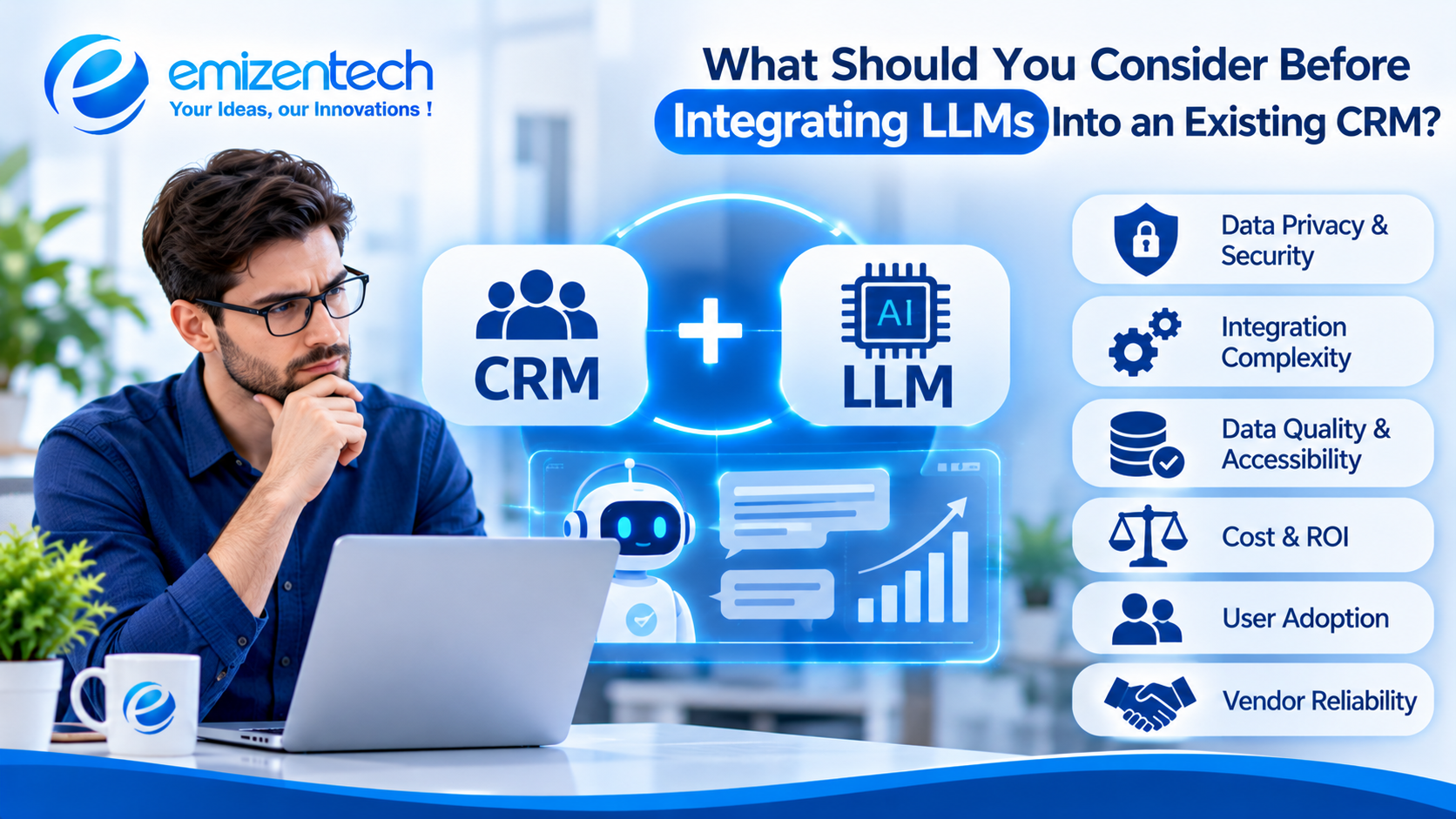
Large language models can draft emails, summarize calls, and answer questions about your customers in seconds, so it is no surprise that sales and support leaders want them inside the CRM. But adding an LLM to a system your staff already depends on is not a plug-and-play task. Poor planning can expose sensitive data, produce wrong answers, and waste budget. This guide covers what to evaluate before you start.
The most common mistake is starting with the model instead of the need. An LLM is a tool, not a strategy. Before any technical work begins, identify the specific tasks where language understanding saves real time or improves customer outcomes. Here is where AI helps and improves CRM work the most.
AI drafts personalized emails from account history, so reps edit instead of starting from scratch. It turns long calls and meetings into short notes and action items logged straight into the record. Users can ask plain questions, such as which deals closed last quarter in a region, and get direct answers. In support, AI suggests replies and surfaces similar past cases for agents, and LLMs can also standardize job titles, categorize notes, and flag incomplete records.
Pick one or two use cases tied to a measurable result, such as hours saved per rep or faster ticket resolution. A narrow start makes success easy to prove.
An LLM is only as useful as the information it can reach. If your CRM holds duplicates, outdated notes, or inconsistent fields, the model will confidently repeat those flaws. Checking data readiness early saves painful surprises later. Ask these questions:
Data work is often the biggest hidden task in an AI project. Bringing in specialists early pays off, so it is worth considering whether to hire CRM developers who understand your platform's data model, can clean and restructure records, and can prepare the objects the LLM will actually read.
Not every LLM setup suits every situation. Your decision affects cost, speed, privacy, and how much control you keep, so compare the main paths before committing to a vendor.
Public API models are the fastest to launch and highly capable, but data leaves your environment, so contracts and settings matter. Private cloud deployments run the model inside your own cloud tenant, giving tighter control with moderate setup effort. Open-source, self-hosted models offer maximum control and customization but need infrastructure and technical skill. CRM vendors also bundle built-in AI assistants, which are convenient but may be less flexible.
Also weigh model size. A smaller, cheaper model often handles summaries and classification well, while larger models are better reserved for complex reasoning. Matching the model to the task keeps costs under control.
Your CRM holds some of your most sensitive information, including contact details, deal values, and private conversations. Sending any of it to an LLM needs careful safeguards.
Involve legal and security stakeholders at the start, not after a pilot is already built.
The technical design decides whether the assistant feels helpful or frustrating. Most setups place an API layer between the CRM and the model. A common pattern is retrieval-augmented generation, where the system fetches relevant CRM records, adds them to the prompt, and lets the model answer from that verified context instead of guessing.
A few practical points matter here.
Decide whether the assistant lives inside the CRM screen, in chat tools, or both. Test response times under real load, since reps will not wait ten seconds for a suggestion. Check what your CRM's API allows, including rate limits and support for custom objects, and plan a fallback for when the model is slow or unavailable.
Because these decisions touch security, data flow, and user experience at once, expert AI integration services can help you design the connection, set guardrails, and avoid costly rework.
LLMs can produce answers that sound confident but are wrong. In a CRM, a wrong answer can mean a bad discount, a misdirected email, or a damaged relationship. You can reduce that risk with a few habits:
LLM costs go beyond the model itself. Plan for usage-based API fees, infrastructure, development, user training, and ongoing monitoring. Costs can climb quickly if every record update triggers a model call, so set usage limits early.
Roll out in phases rather than all at once. Start with a small pilot group, gather feedback, refine prompts and permissions, and then expand. Make it clear to staff that the assistant is there to remove busywork, not replace them. Adoption rises when people see the tool saving them time within the first week.
Set a baseline before launch so you can prove value.
Useful measures include time saved per rep on notes and emails, first response and ticket resolution times, data completeness and accuracy rates, active usage of the assistant by role, and the cost per task compared with the manual process.
Adding an LLM to your CRM can lift productivity and customer experience, but only when the groundwork is solid. Start with a clear use case, confirm your data is clean and well structured, choose a deployment model that matches your privacy needs, and build in guardrails for accuracy and access. A phased rollout with measurable goals keeps risk low and results visible. If you want a partner to guide the technical and strategic decisions, EmizenTech can help you plan and implement LLM features that fit your current CRM and your business goals.
Most modern CRMs offer APIs that allow LLM integration. Older or heavily customized systems may need extra development work or middleware, so check API capabilities first.
It can be, with the right controls. Use providers with clear data-handling terms, mask sensitive fields, enforce role-based access, and consider private or self-hosted models for regulated data.
Call and email summarization is a popular starting point. It saves time, carries low risk, and delivers results that are easy to measure.
Ground responses in CRM records using retrieval, keep humans in the review loop for important actions, and test the system against real scenarios before wider release.
A focused pilot can be ready in four to eight weeks. A full rollout with custom workflows, security reviews, and training typically takes a few months.